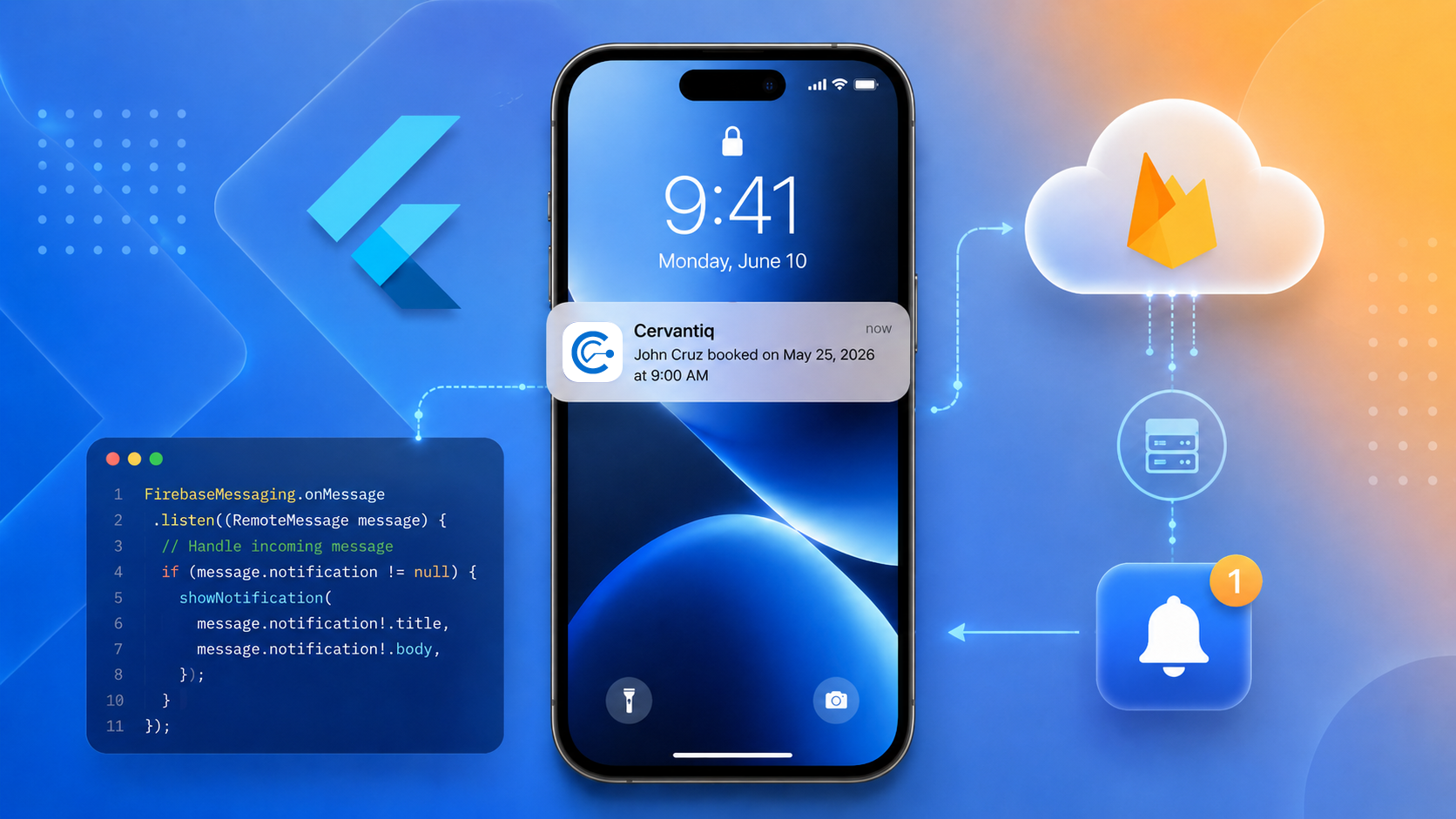
If you've migrated your Flutter iOS app to the UIScene lifecycle (now the default since Flutter 3.41) and your push notification deep links stopped working from terminated state — you're not alone. Here's what's happening and how to fix it.
The Symptom
Everything works perfectly when the app is in the background. But when the app is fully killed and the user taps a notification banner, the app launches to the default screen instead of the expected deep link destination.
FirebaseMessaging.instance.getInitialMessage() returns null. onMessageOpenedApp never fires. Your custom UNUserNotificationCenterDelegate.didReceive handler in AppDelegate? Also not called.
The Root Cause
With the UIScene lifecycle, iOS changes how terminated-state notification taps are delivered. The tap payload is no longer reliably sent through UNUserNotificationCenterDelegate.didReceive on cold start. Instead, it's delivered via:
func scene(_ scene: UIScene, willConnectTo session: UISceneSession,
           options connectionOptions: UIScene.ConnectionOptions) {
    // This is where your notification tap lives now:
    connectionOptions.notificationResponse
}
This is consistent with Apple's broader UIScene migration pattern — launch context moves from AppDelegate to SceneDelegate. The firebase_messaging Flutter plugin hasn't fully adapted to this yet, which is why getInitialMessage() returns null.
The Fix
1. Capture the tap in SceneDelegate
Override scene(_:willConnectTo:options:) in your SceneDelegate.swift and persist the notification payload for your Flutter code to pick up:
class SceneDelegate: FlutterSceneDelegate {
    override func scene(_ scene: UIScene, willConnectTo session: UISceneSession,
                        options connectionOptions: UIScene.ConnectionOptions) {
        super.scene(scene, willConnectTo: session, options: connectionOptions)

        if let response = connectionOptions.notificationResponse {
            let userInfo = response.notification.request.content.userInfo
            // Extract your payload and persist it (UserDefaults, a static var,
            // or send via MethodChannel once the engine is ready)
        }
    }
}
2. Bridge to Dart via MethodChannel
Use didInitializeImplicitFlutterEngine in your AppDelegate to create a MethodChannel and forward the persisted payload to Dart once the engine is ready.
3. Handle the timing on the Dart side
This is the subtle part. On cold start, your notification payload arrives in Dart before your router/navigator is mounted. If you try to navigate immediately, the router doesn't exist yet and the tap is silently dropped.
The solution: buffer the tap and defer navigation until after your router widget has mounted (e.g., via addPostFrameCallback after the router is created in your widget tree).
The Timing Problem Visualized
❌ What was happening:
   Payload arrives → try to navigate → router is null → tap lost

✅ What should happen:
   Payload arrives → buffer it → auth completes → router mounts → navigate
Key Takeaways
- UIScene changes notification delivery.
didReceiveis not reliably called on cold start. UseconnectionOptions.notificationResponsein your SceneDelegate. getInitialMessage()is broken under UIScene. The firebase_messaging plugin hasn't adapted. You need a native MethodChannel workaround.- Cold-start navigation has a timing gap. Your router/navigator doesn't exist when the payload first arrives in Dart. Buffer the tap and defer navigation until the widget tree is ready.
- Deduplication matters. With belt-and-suspenders approaches (SceneDelegate + AppDelegate fallback), the same tap can arrive twice. Deduplicate by message ID on the Dart side.
Affected Versions
- Flutter 3.38+ (UIScene default)
- firebase_messaging 15.x
- iOS 17+
- Any app using
FlutterSceneDelegatewithUIApplicationSceneManifestin Info.plist
TL;DR
If your Flutter iOS push notification deep links broke after the UIScene migration: check connectionOptions.notificationResponse in your SceneDelegate, bridge it to Dart via a MethodChannel, and make sure you don't try to navigate before your router is mounted.
Spent two days debugging this. Hopefully this saves someone else the trouble.